Vape accessories
by Arizer
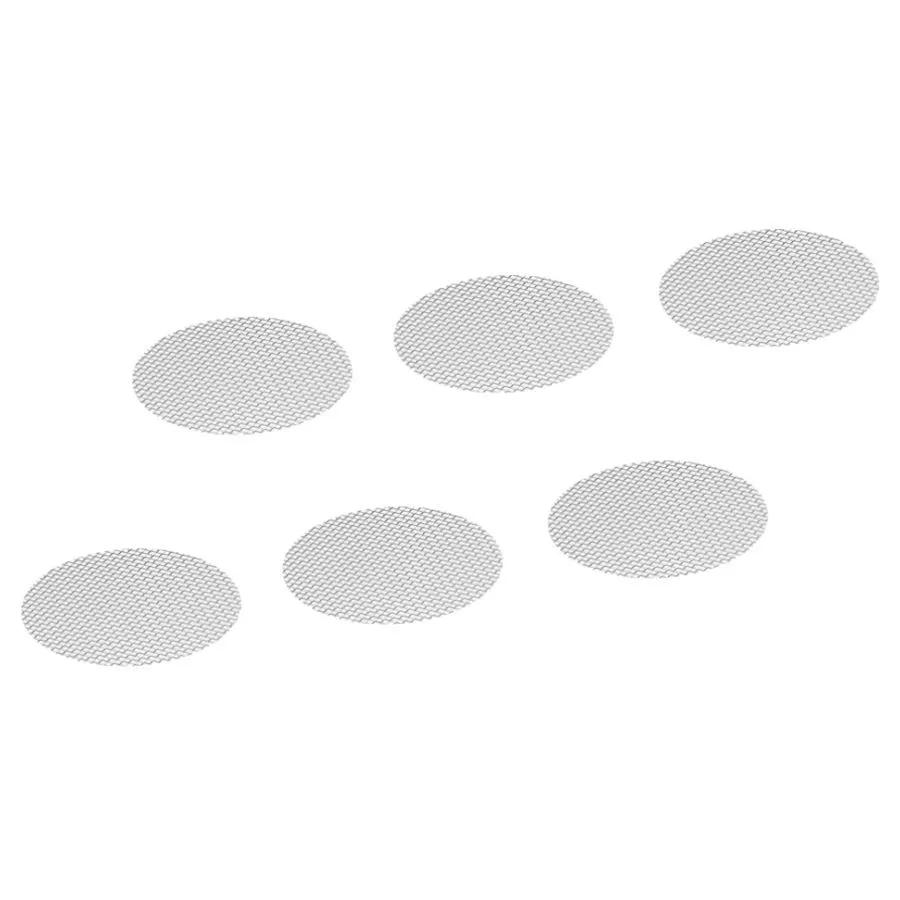
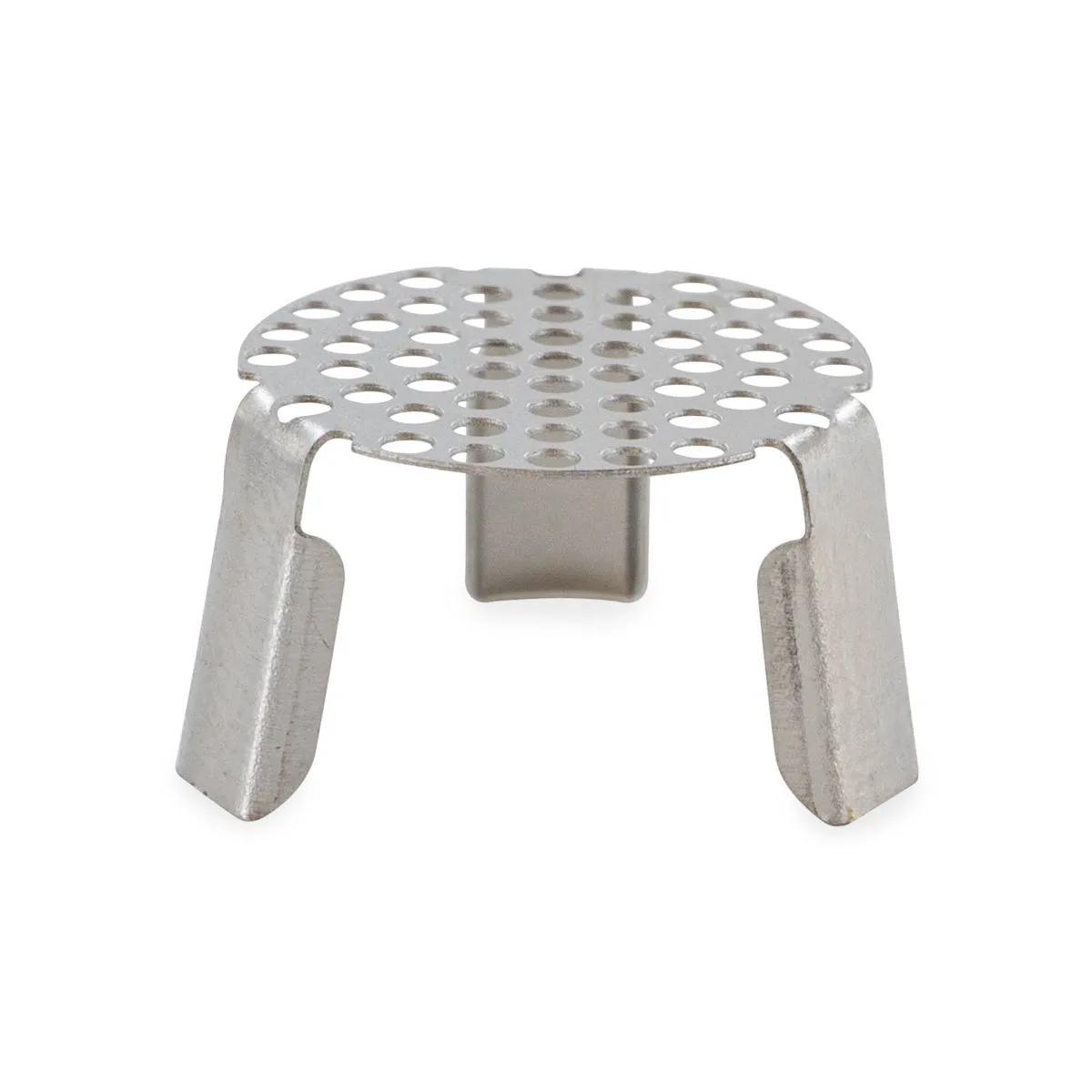
The Arizer XQ2 Heater Cover Screen Pack is a set of 4 replacement stainless steel mesh screens that sit over the ceramic heating element in your XQ2 desktop vaporizer. These small mesh covers catch debris and stop particulate from reaching your vapour path, keeping sessions clean and airflow unrestricted. They're the kind of part you forget about until one goes missing — and then your whole session suffers. If you're looking to buy Arizer XQ2 heater cover screens, this official 4-pack is the straightforward option.
| Spec | Value |
|---|---|
| Brand | Arizer |
| Compatible device | Arizer XQ2 desktop vaporizer |
| Pack quantity | 4 heater cover screens |
| Part type | Replacement heater cover screen |
| SKU | VS0300 |
| Material | Stainless steel mesh |
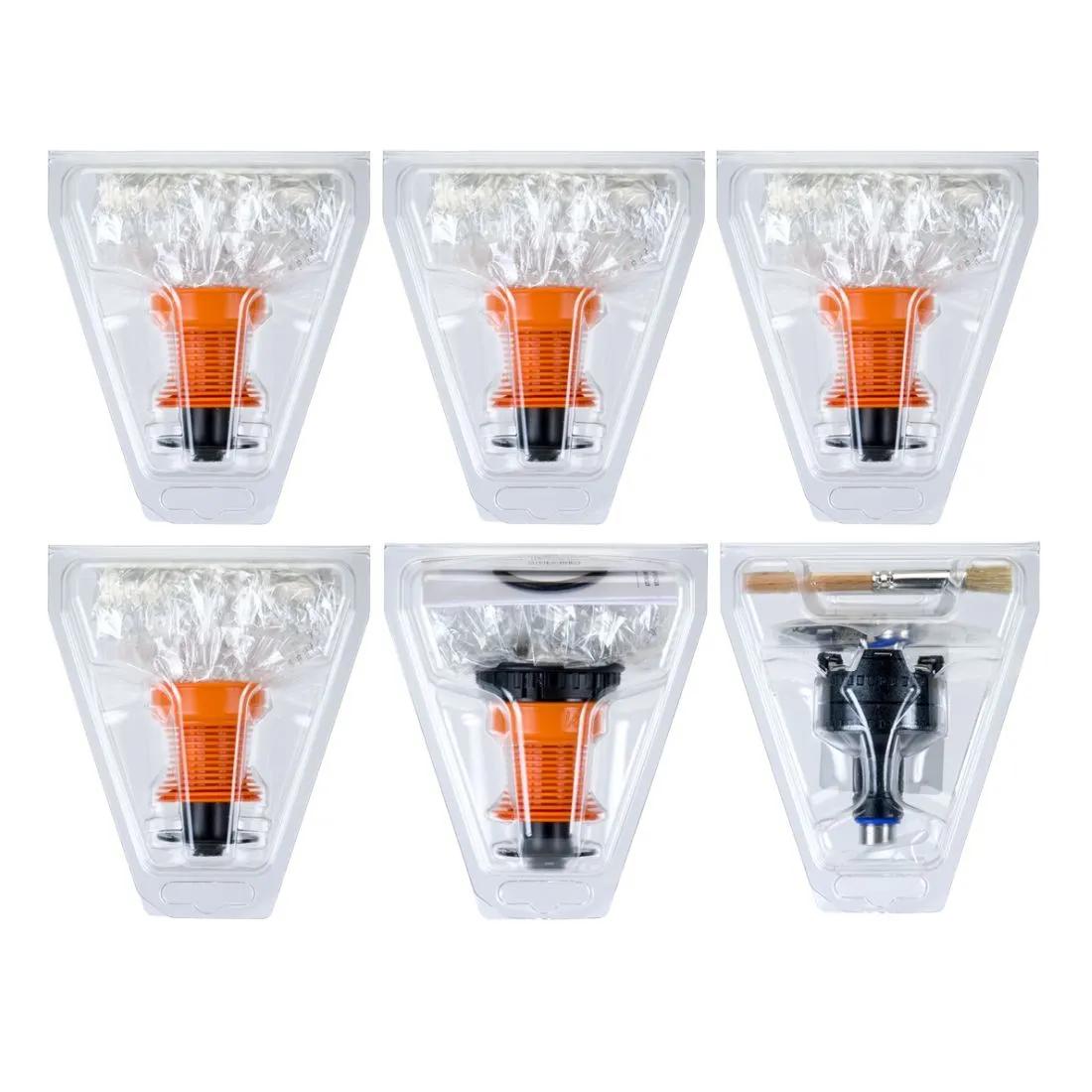
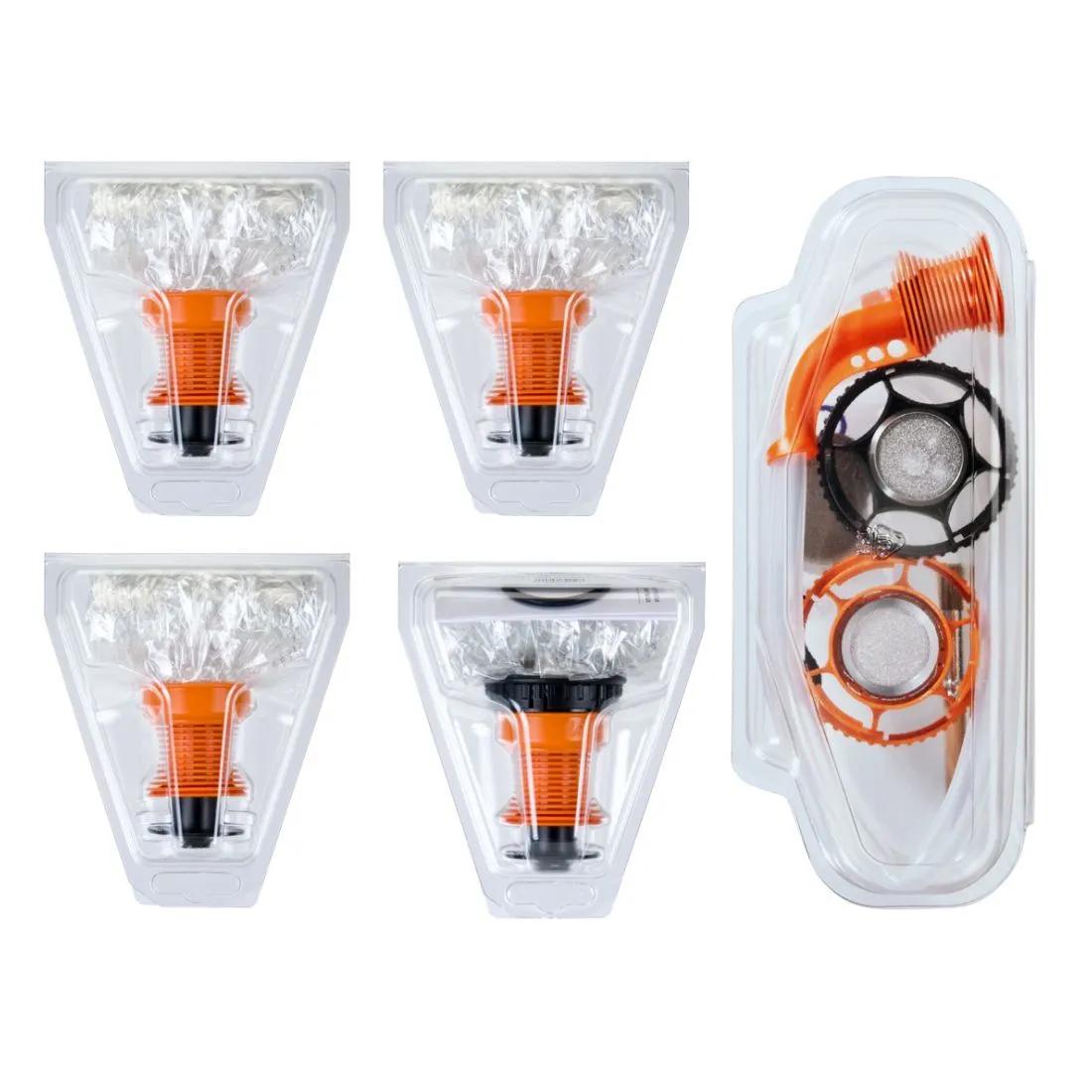
Complete your XQ2 maintenance kit — pair these heater cover screens with Arizer XQ2 balloon bags and replacement whip tubing so you've always got fresh parts on standby. You can also order Arizer XQ2 glass potpourri dishes and extra cyclone bowls to round out your spares drawer. A clean vapour path from heater to mouthpiece makes a real difference in flavour and airflow.
The heater cover screen prevents fine plant material and residue from falling directly onto the XQ2's ceramic heating element, preserving both airflow and flavour. It sits right over that element, and its job is straightforward. Over time — we're talking weeks to months depending on how heavily you use it — that mesh gets gunked up. Resin builds, airflow drops, and you start noticing your draws feel tighter than they used to. Cleaning helps, but mesh screens have a finite life. Eventually the residue bakes on so thoroughly that no amount of isopropyl soaking brings them back.
Here's the honest limitation: these are consumable parts. They're not built to last forever, and Arizer knows it — that's why they sell them in packs of 4. We'd say most regular users go through 1 screen every 2–3 months with proper cleaning between swaps, so a 4-pack keeps you sorted for the better part of a year. Compared to replacing an entire whip assembly or balloon valve, this is about the cheapest maintenance you can do on a desktop vaporizer.
The XQ2 uses convection heating, which means hot air passes through your herb rather than the herb sitting on a hot plate. That convection airflow relies on an unobstructed path from the ceramic heater, through the screen, and up into your bowl. A clogged screen chokes that airflow and forces the unit to work harder to reach your set temperature. Fresh screens keep extraction efficient and flavour clean — you'll taste the difference on the first draw after swapping one in. According to the European Monitoring Centre for Drugs and Drug Addiction (EMCDDA), convection vaporizers are among the devices studied for their role in harm reduction approaches, and maintaining clean airflow paths is a basic part of responsible device upkeep.
Replacing the screen takes under a minute and requires no tools — just a cool, unplugged unit and a fresh screen from the pack. Follow these steps:
The Arizer XQ2 is one of the most reliable desktop units we sell from our shop in Amsterdam. It uses convection heating, offers both whip and balloon delivery modes, and has a coloured LED ring on the base that looks surprisingly good in a dim room. We've had customers running theirs daily for over a year with nothing more than screen swaps and the occasional glass clean. The weak point on any desktop vaporizer isn't the electronics or the heater — it's the small consumable parts that people forget to replace. Screens, seals, tubing. Keep those fresh and the XQ2 just keeps going.
One thing worth mentioning: these heater cover screens are specifically sized for the XQ2. They're not interchangeable with the older Extreme Q or other Arizer portables like the Arizer Solo 2 or Arizer Air Max. If you've got an Extreme Q, check for the Extreme Q-specific screen packs instead. We get asked about cross-compatibility at least once a week, and the answer is always the same — stick with the part made for your model.
The XQ2 heater cover screen is slightly different in diameter and seating depth compared to the Extreme Q version, so the two are not interchangeable. The Extreme Q's heater chamber has a wider opening and uses a screen that sits differently against the element housing. Arizer redesigned the heater geometry when they moved from the Extreme Q to the XQ2, which means the screens changed too. Trying to force an Extreme Q screen into an XQ2 — or vice versa — results in a poor fit that lets debris through or blocks airflow unevenly. Always get the screen pack matched to your specific model. If you own both units, you'll need both screen packs in your spares kit.
A simple cleaning routine extends the usable life of each screen by several weeks. Every 5–10 sessions, pull the screen out and soak it in isopropyl alcohol (90% or higher) for 20–30 minutes. A soft brush — an old toothbrush works brilliantly — loosens anything the soak doesn't dissolve. Rinse with warm water, let it dry fully, and pop it back in. The screen should look visibly cleaner. Once soaking stops making a noticeable difference, that screen is done — swap in a fresh one from the pack.
| Maintenance task | Frequency |
|---|---|
| Quick brush of screen surface | Every 2–3 sessions |
| Isopropyl soak (90%+ alcohol, 20–30 min) | Every 5–10 sessions |
| Full screen replacement | Every 2–3 months (heavy use) or when cleaning no longer restores airflow |
| Empty heat cycle after new screen | Once per new screen, 200°C for 2–3 minutes |
This pack is for anyone who owns an Arizer XQ2 and uses it regularly. If you vaporise a few times a week or more, you'll go through screens steadily, and having spares on hand means you never have to session through a clogged mesh while waiting for a replacement to arrive. It's also a smart buy if you're purchasing an XQ2 for the first time — order the screen pack alongside the unit so you're set from day one. Compared to other desktop vaporizer consumables like Volcano Easy Valve balloon sets or Plenty whip components, XQ2 screens are among the simplest and most affordable parts to keep stocked.
No. The XQ2 heater cover screens are sized specifically for the Arizer XQ2 desktop vaporizer. The Extreme Q uses a different heater configuration and needs its own replacement screens. Always match the part to your exact model.
With regular cleaning, most users get 2–3 months per screen. If you vaporise daily, you might swap sooner. The telltale sign is restricted airflow that doesn't improve after a thorough isopropyl soak — that means the mesh is permanently clogged.
Technically the unit will heat, but you shouldn't. The screen prevents fine herb particles from falling onto the ceramic heater element. Without it, residue builds directly on the heater, which is much harder to clean and can affect performance over time.
Soak in 90%+ isopropyl alcohol for 20–30 minutes, then scrub gently with a soft brush. Rinse with warm water and dry completely before reinserting. Avoid abrasive pads — they can deform the fine mesh.
Run one empty heat cycle at around 200°C for 2–3 minutes after inserting a fresh screen. This burns off any residual manufacturing oils. After that, load up and you're good to go.
Both. The XQ2 is a dual-use desktop vaporizer — according to Arizer's product specifications, it is designed for both whip-style direct draw and balloon bag delivery. The heater cover screen sits beneath both attachment types and needs replacing regardless of which method you prefer.
Last updated: April 2026