
VapCap Screens
Vape accessories
by DynaVap
We'll only email you about this product — no marketing.
VapCap CCD Screens — Keep Your DynaVap Hitting Clean
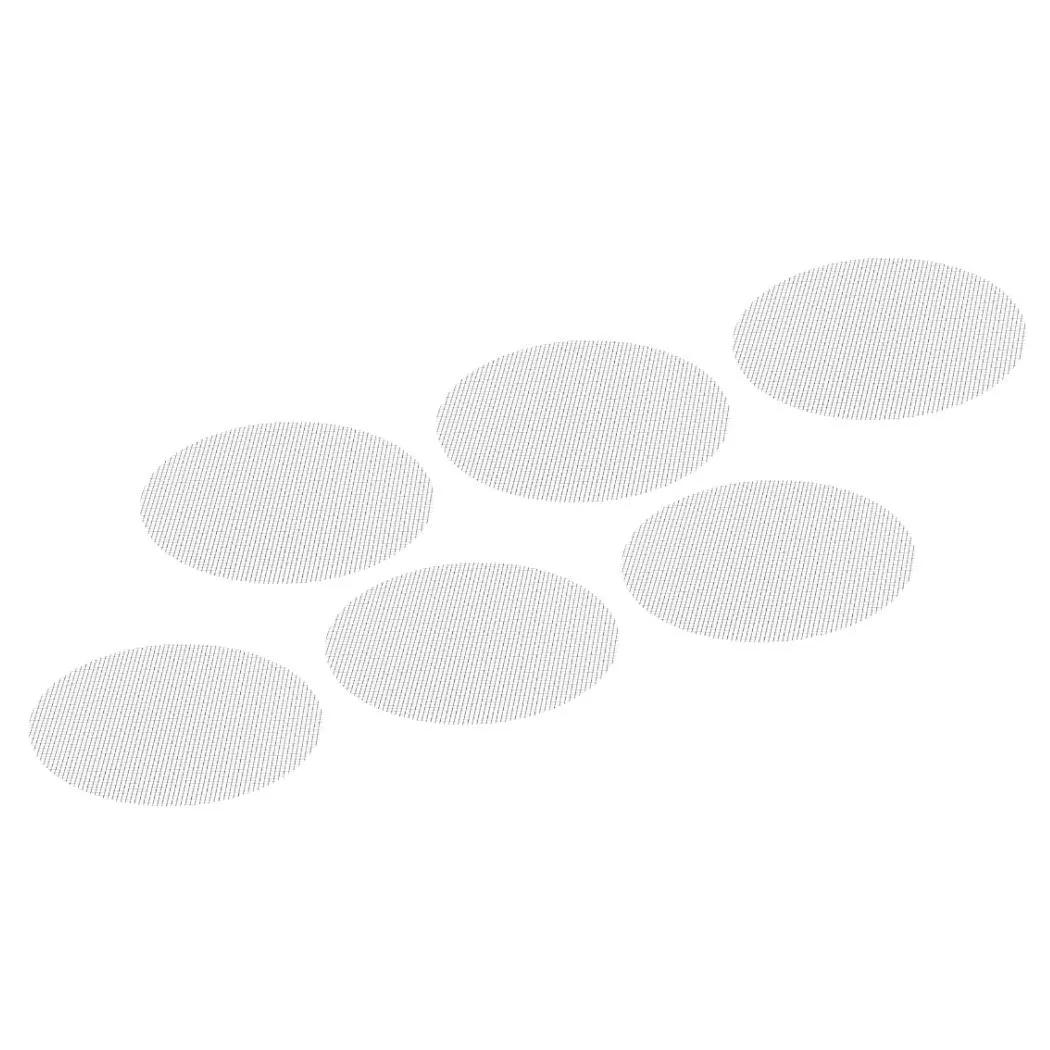
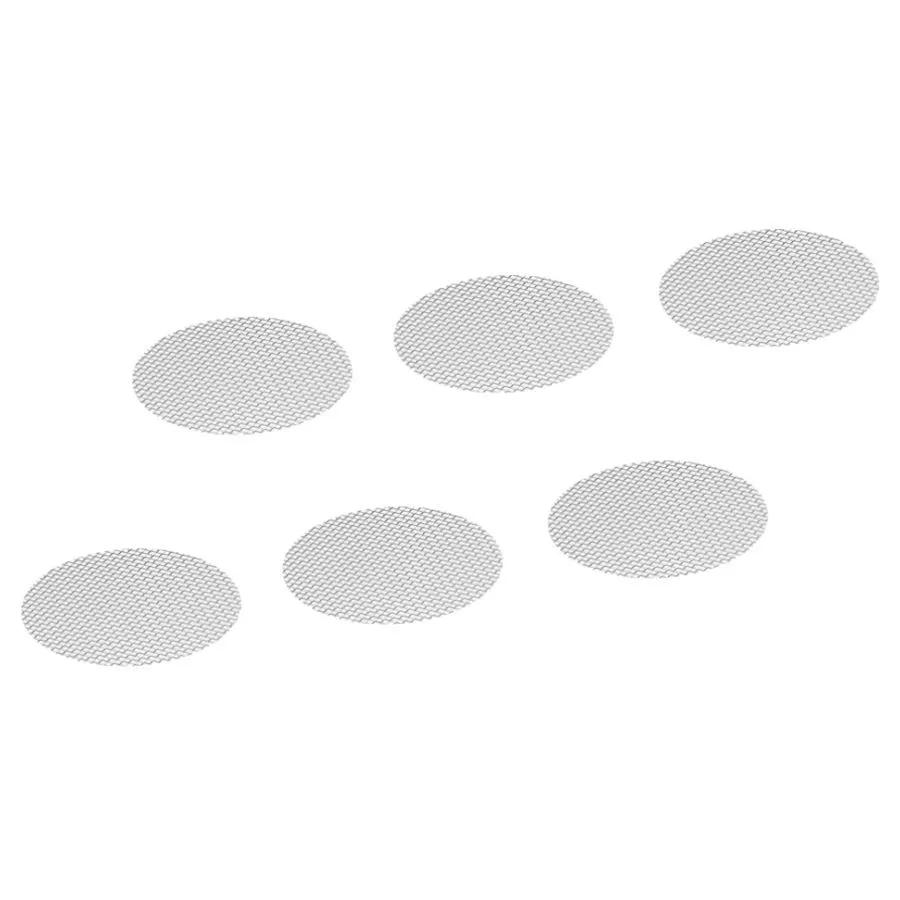
A VapCap screen is a precision-cut CCD (Circumferential Compression Diffusion) filter disc that sits inside any DynaVap tip, blocking fine herb particles from entering the condenser while maintaining engineered airflow for even extraction. Made from stainless steel or titanium, these replacement VapCap screens do the unglamorous but critical job of keeping your draws smooth and your vapour path clear. Each pack contains 3 screens — enough to keep you sorted for the better part of a year when you order a fresh set.
Stainless Steel vs Titanium — Which to Pick
You've got two variants of VapCap screens here, and the difference matters more than you'd think for a tiny disc.
| Variant | Material | Weight | Heat Response | Best For |
|---|---|---|---|---|
| Stainless Steel (VS0189) | Medical-grade stainless steel | Slightly heavier | Retains heat longer, slower cool-down | Daily users who want consistent sessions |
| Titanium (VS0198) | Grade 2 titanium | Roughly 40% lighter | Heats and cools faster | Back-to-back bowls and quick sessions |
If you only use your DynaVap once or twice a day, stainless steel does the job without fuss. If you're reloading multiple bowls in a row, titanium's faster thermal cycling means less waiting between heat-ups. We'd grab titanium if budget isn't a concern — the responsiveness is noticeable. But honestly, both VapCap screens work well and last months each.
Why Your VapCap Screen Actually Matters
The CCD screen is the single most replaced wear part inside a DynaVap tip, and understanding why helps you get better sessions. It's one of only three moving parts inside the tip, and it's the one that takes the most punishment. Every heat cycle expands and contracts the metal. Every cleaning session puts mechanical stress on it. Over weeks and months, that adds up.
A worn VapCap screen causes two problems. First, fine particles of ground herb slip past and gum up your condenser. You'll notice the draw getting tighter, flavour going stale, and that satisfying click feeling less responsive. Second — and this is the one people miss — a bent or warped screen disrupts the airflow geometry that DynaVap engineered into the tip. The CCD isn't just a filter; the circumferential compression design creates a specific diffusion pattern that distributes heat evenly across your herb. Lose that, and you get uneven extraction: one side toasts while the other stays green.
We've seen customers bring in VapCaps that "don't work like they used to" and the solution is almost always a fresh screen and a set of O-rings. Takes 30 seconds to swap, costs next to nothing, and the difference is immediate — like going from a clogged shower head back to full pressure. The screen sits in the tip at two possible positions: pushed to the top for a smaller 0.05g chamber (good for microdosing or concentrates), or seated lower for a full-size bowl. Either way, a flat, clean screen is what makes it work.
Specifications
VapCap screens ship in packs of three, with the following specs covering both material variants.
| Spec | Value |
|---|---|
| Product | VapCap CCD Screen |
| Quantity | 3 screens per pack |
| Material (Variant 1) | Stainless steel (SKU: VS0189) |
| Material (Variant 2) | Titanium (SKU: VS0198) |
| Compatibility | All DynaVap VapCap tips |
| Screen Type | Circumferential Compression Diffuser (CCD) |
| Chamber Size (top position) | Approximately 0.05g dry herb |
| Expected Lifespan | Several months per screen with regular cleaning |
| Replace When | Bent, clogged beyond cleaning, or broken |
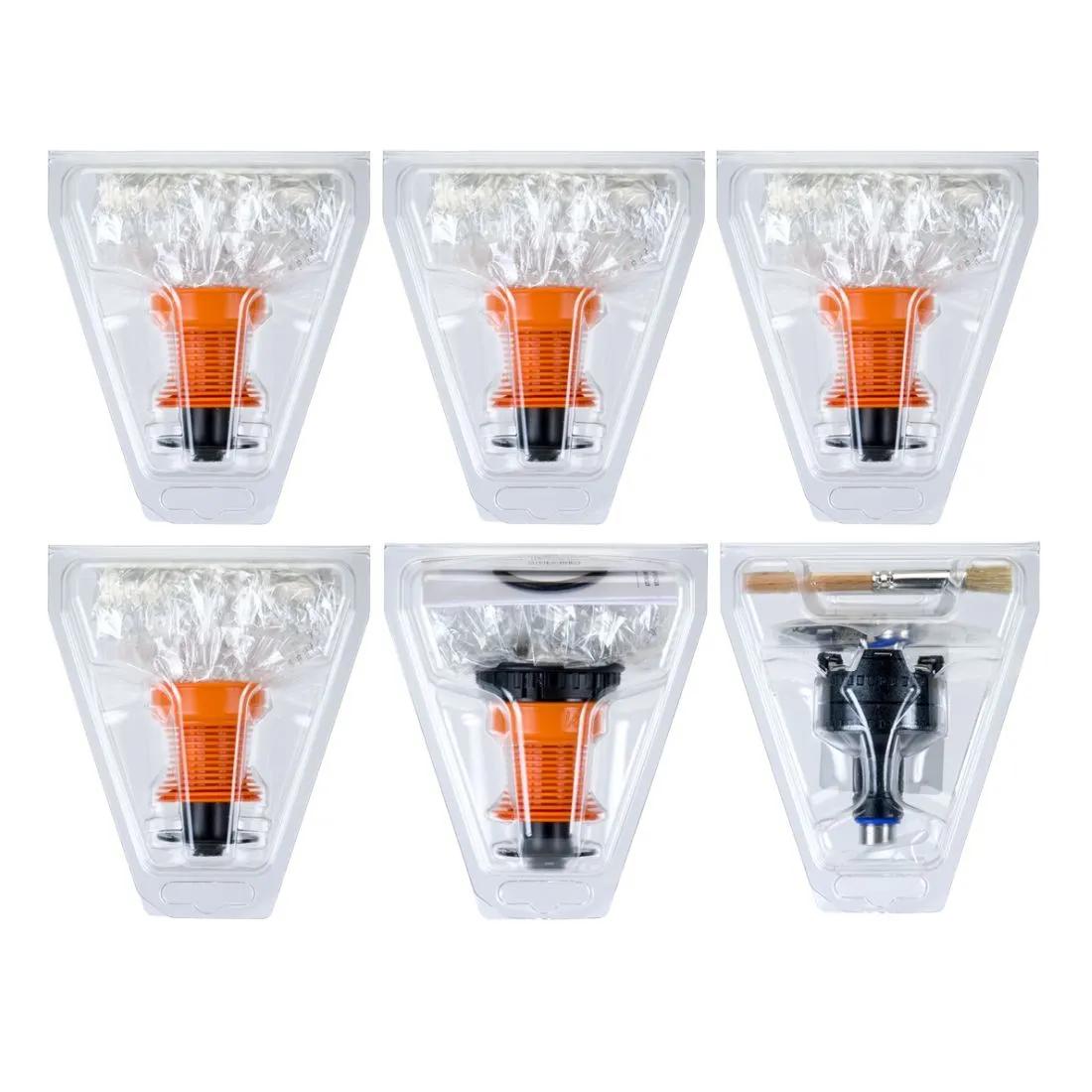
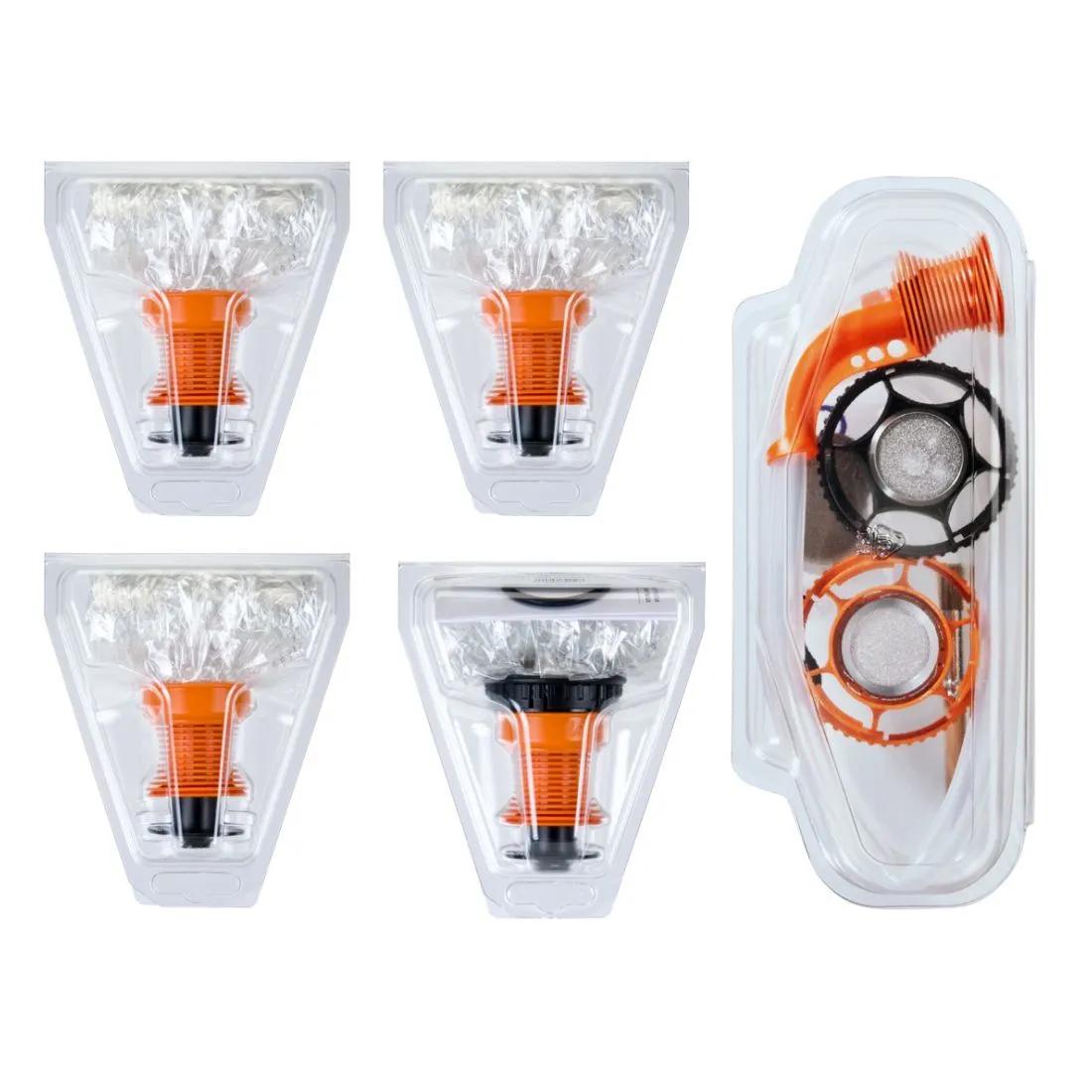
While you're replacing VapCap screens, check whether your O-rings need swapping too — the VapCap High Temp O-Ring Kit and VapCap Condenser O-Ring Kit are the other wear parts that degrade over time. A fresh screen with fresh O-rings brings your DynaVap back to factory performance. If you're looking at a full refresh, the DynaKit Basic bundles the essentials together. And for concentrate fans, the DynaCoil pairs with the CCD screen in the top tip position for wax sessions.
How to Replace Your VapCap CCD Screen
Replacing a VapCap screen takes under a minute and requires no tools beyond the condenser tube you already have.
- Remove the tip from your DynaVap body by pulling it straight off the condenser.
- Push the old screen out from the narrow end of the tip using the condenser tube or a similar blunt tool. Don't use anything sharp — you'll scratch the inside of the tip.
- If the old screen is stuck from resin buildup, soak the tip in warm soapy water or isopropyl alcohol for 10 minutes first. DynaVap recommends soapy water for routine cleaning.
- Take a fresh CCD screen and place it into the wide end of the tip, concave side facing down (the screen has a slight dome shape — you'll feel it).
- Press the screen into your desired position: pushed all the way to the top for a smaller 0.05g chamber, or seated at the lower groove for a full bowl.
- Reassemble the tip onto the condenser, load your herb, and you're back in business.
From Our Counter: The Honest Limitations
VapCap screens are small — about the diameter of a pencil eraser — and that's the first thing to know before you buy. If you've got big hands or shaky fingers, swapping them can be fiddly. We'd recommend doing it over a table, not over carpet where a dropped screen vanishes into another dimension. Titanium screens are slightly easier to handle because they're stiffer and less prone to bending during installation, but neither variant is what you'd call chunky.
The other thing: no screen lasts forever, no matter how carefully you clean it. Heat cycling fatigues metal over time, and the stainless steel variant is slightly more prone to developing a subtle warp after heavy use. You'll know it's time when the screen won't sit flat anymore or when airflow feels restricted even after a thorough soak. Three VapCap screens in a pack means you're covered for a good stretch, but if you use your VapCap daily, buying two packs isn't overkill — it's just planning ahead.
A Note From Our Amsterdam Counter
One of our regulars came in last month convinced his two-year-old DynaVap M was dying. Weak vapour, harsh taste, the works. We popped the tip off, and the CCD screen inside looked like a tiny crumpled coin — warped beyond recognition. Swapped in a fresh titanium VapCap screen, replaced the O-rings while we were at it, and the thing performed like the day he unboxed it. He'd been fighting that screen for months. According to data published by the EMCDDA on vaporiser harm reduction practices, maintaining clean vapour paths is one of the simplest steps users can take to reduce irritant exposure — and a flat, functional screen is where that starts. The moral: don't blame the device when a 30-second part swap is all it needs. Get a spare pack and keep it in your stash box.
Frequently Asked Questions
How often should I replace my VapCap CCD screen?
With regular cleaning, each screen lasts several months. Replace it when it won't sit flat, stays clogged after soaking, or shows visible damage. Daily users typically go through 3-4 VapCap screens a year.
Can I clean CCD screens instead of replacing them?
Yes — soak in warm soapy water or isopropyl alcohol, then rinse and dry. Cleaning extends the life significantly. But once a screen is physically bent or warped, no amount of cleaning restores the airflow geometry. That's when you swap it.
Do these VapCap screens fit all DynaVap models?
They fit every DynaVap VapCap tip, including the M series, Omni, and any tip that uses the standard CCD system. If your DynaVap came with a CCD screen, these are the direct replacement.
What is the difference between the two screen positions in the tip?
Pushed to the top of the tip, the screen creates a smaller chamber holding roughly 0.05g — good for microdosing or conserving material. Seated at the lower groove, you get the full chamber size. The screen clicks into either position.
Is titanium worth the extra cost over stainless steel?
Titanium heats and cools about 40% faster, which matters if you reload bowls back to back. It's also more resistant to warping over time. For occasional users, stainless steel is perfectly fine. For heavy daily use, titanium pays for itself in longevity.
Can I use the CCD screen with concentrates?
You can, especially with the screen in the top position paired with a DynaCoil. The screen prevents concentrate from dripping into the condenser. Without a DynaCoil, concentrates tend to make a mess — the screen alone isn't really designed for wax.
My VapCap draw feels tight even with a new screen. What's wrong?
Check your condenser for buildup — a clean screen won't help if the condenser tube is clogged. Also check that the screen is seated flat and not pinched at an angle. Finally, inspect your O-rings; swollen or degraded O-rings restrict airflow more than most people realise.
Last updated: April 2026